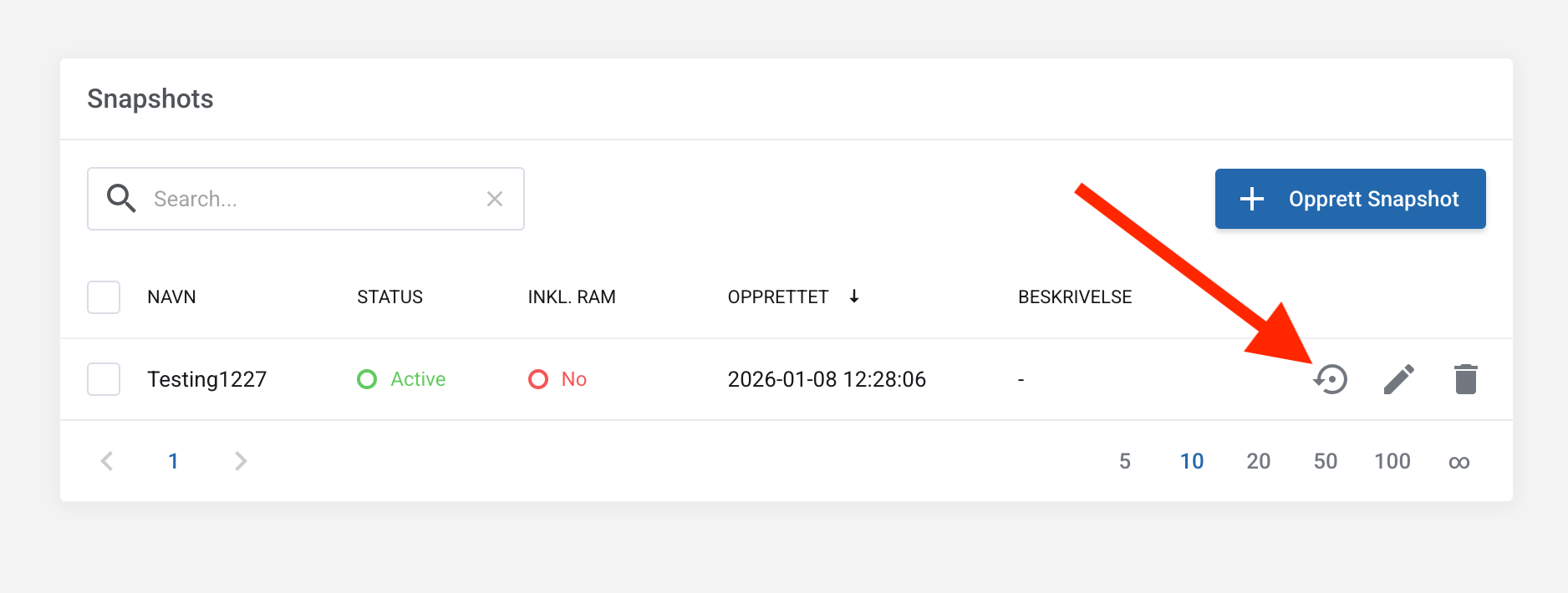
Snapshots
Snapshots are an instant copy of your VPS at a specific moment, used for quick rollback.
Snapshots older than 7 days will be automatically removed.
Where can I find snapshot management?
- Log in to the control panel at https://my.servetheworld.net
- Go to Products and click My Products
- Click Manage on the relevant GP3 or WGP3
- Click Snapshots
Create a snapshot
- Click Take Snapshot
- Enter a name for the snapshot
- Include RAM if desired. If you’re unsure, skip this step.
- Click Confirm
- The snapshot will be created shortly

Restore a snapshot
Note: Back up any important data first, as restoring a snapshot may revert any changes you might want to keep.
- Select the desired snapshot in the table
- Click the Restore button
- Click Confirm to proceed with the restore
- The VPS will go offline briefly and come back online shortly