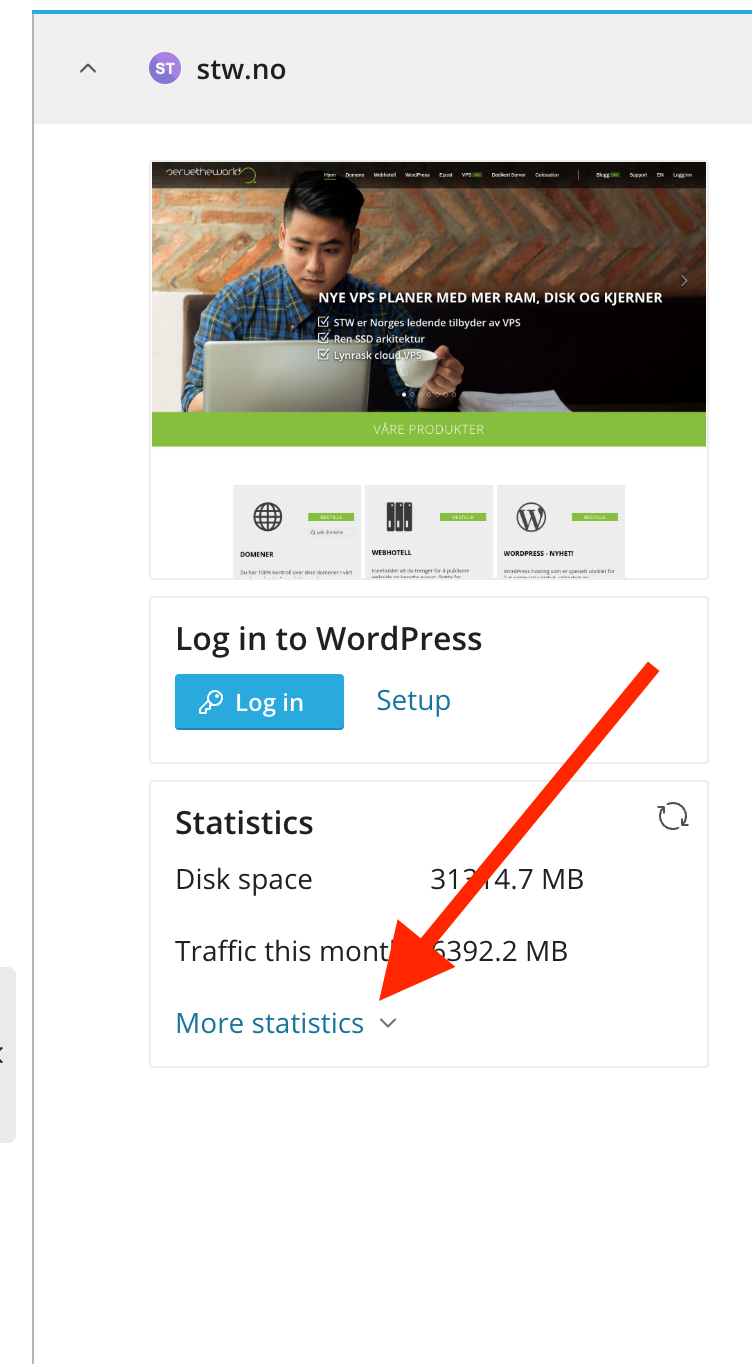
Statistics
- Log in to https://my.servetheworld.net
- Click on Products
- Click on My Products
- Click on Manage next to the relevant web hosting
- Click on Advanced settings
- Find your domain name
- Under the Statistics field, click on Web Statistics
- Log in with your username and password (see the guide below)
Username and password for Statistics
- Log in to https://my.servetheworld.net
- Click on Products
- Click on My Products
- Click on Manage next to the relevant web hosting
- Click on Advanced settings
- Find your domain name
- Go to the Dashboard field
- Click on Password Protected Directories
- Click on /plesk-stat
- Click on Add User to create a new user, or click on an existing user to change the password.