Backup
Backups are taken of web hosting servers, which include your websites, databases, and email accounts.
Here we show how you can restore your data via the control panel:
- Log in to https://my.servetheworld.net
- Click on Products
- Click on My Products
- Click on Manage next to the relevant web hosting
- Click on Advanced Settings (Plesk)
- Find the relevant domain name
- Go to the Dashboard tab
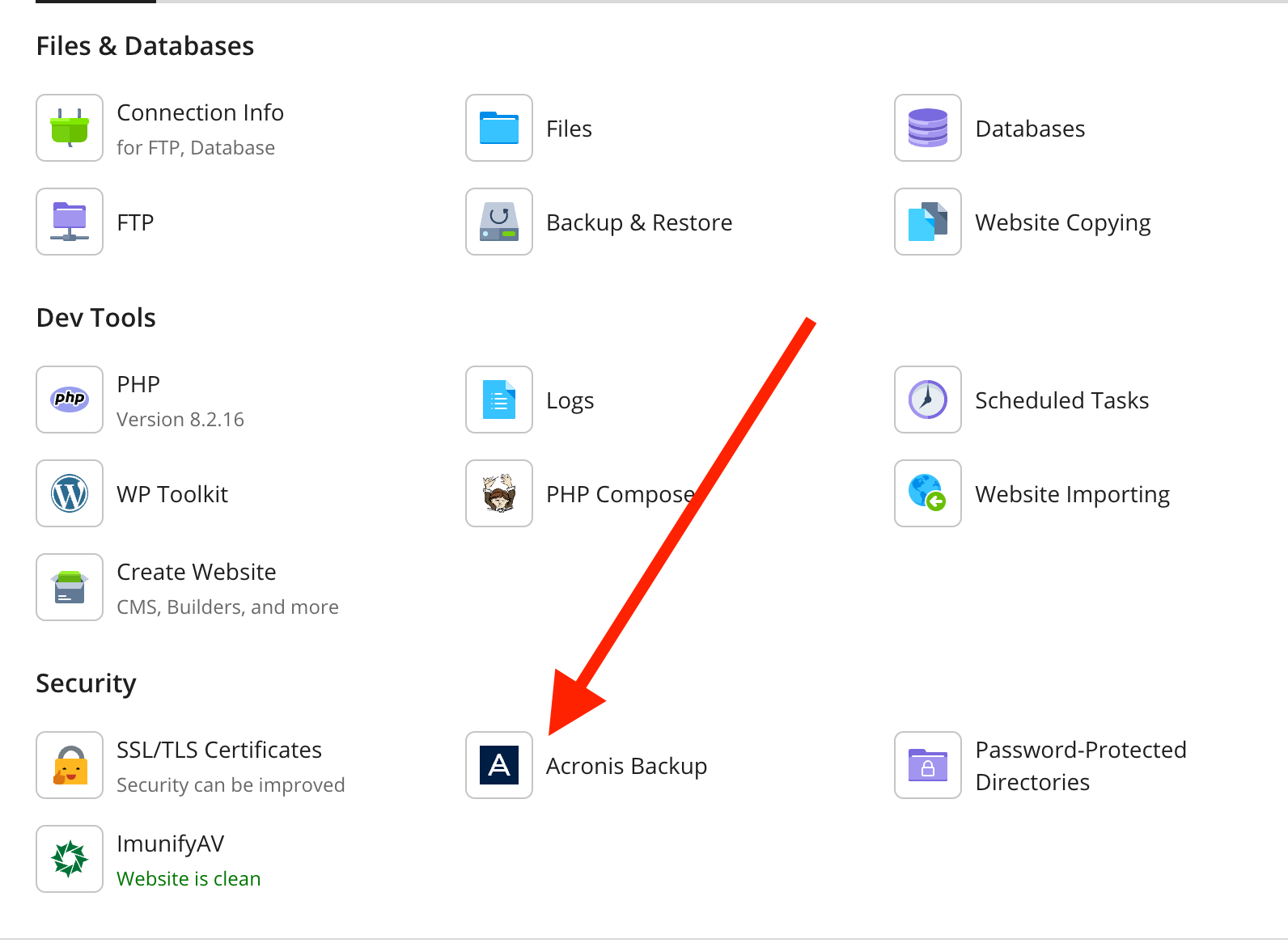
- Click on the Acronis Backup icon
Below are guides for restoring files/website, database, and email accounts.
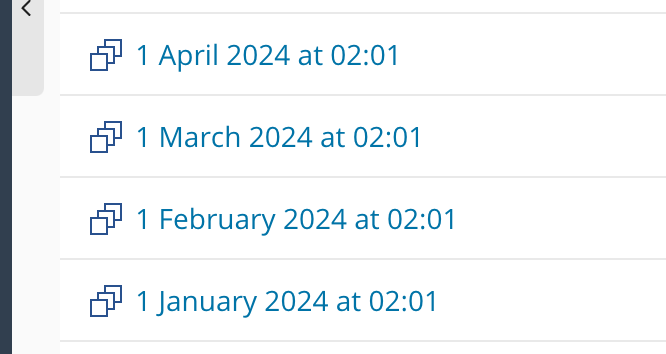
| Click on Acronis Backup | Select recovery date |
|---|---|
 |
 |
Restore website files
- Select the relevant date
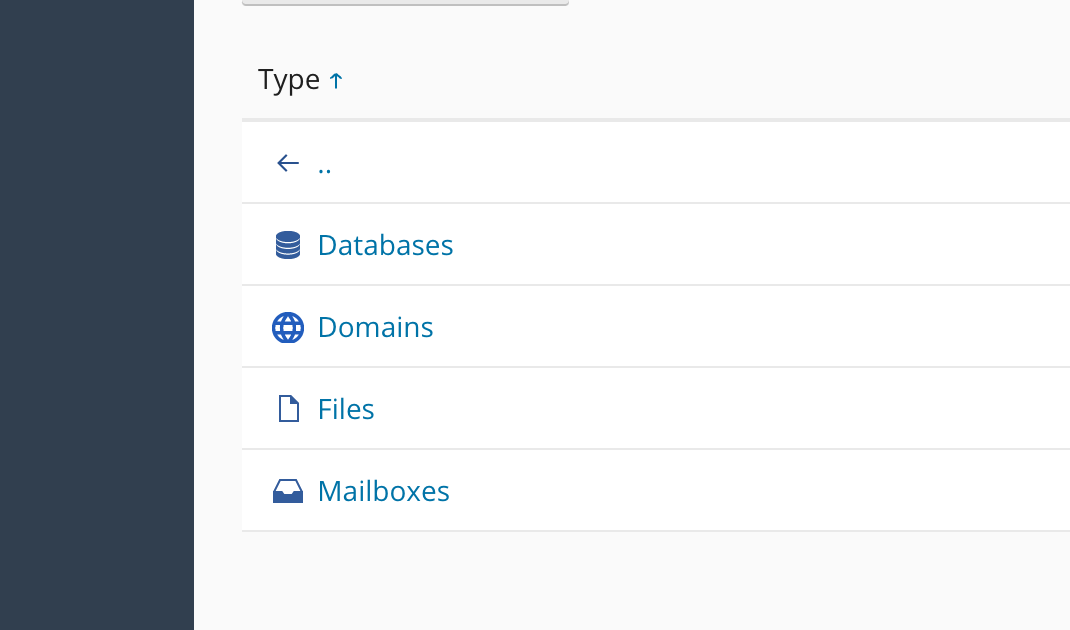
- Click on Files 3. Check the box for the relevant folder/files to be restored
- Click on Recover (Alternatively, click the Download button to download a copy to your computer)
- Click Recover again to start the restoration
| Click on Files | Select folders/files |
|---|---|
 |
 |
Restore database
- Select the relevant date
- Click on Databases
- Check the box for the relevant database
- Click on Recover 5. Check the box for Recover database users
- Click on Recover to start the restoration
| Click on Databases | Select database |
|---|---|
|
 |
Restore email account
- Select the relevant date
- Click on Mailboxes
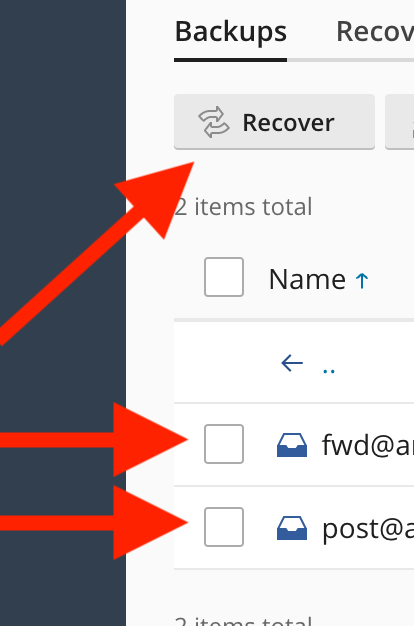
- Check the box for the relevant email account(s)
- Click on Recover
- Click on Recover again to start the restoration
| Click on Mailboxes | Select email accounts |
|---|---|
|
 |